Sensitive details are masked before they become memory.
Yansu records desktop work so it can build useful memory and automations. Passwords, tokens, contact details, and private links are masked on device before recorded observations are saved.
passwords, API keys, addresses, and credit card numbers are removed by local protection.
Privacy protection runs inside recording.
You do not need to mark private fields or maintain redaction rules.
Mask the sensitive value
The value is removed, while surrounding non-sensitive words and layout remain available when safe. Different kinds of recorded data use different redaction behavior automatically.
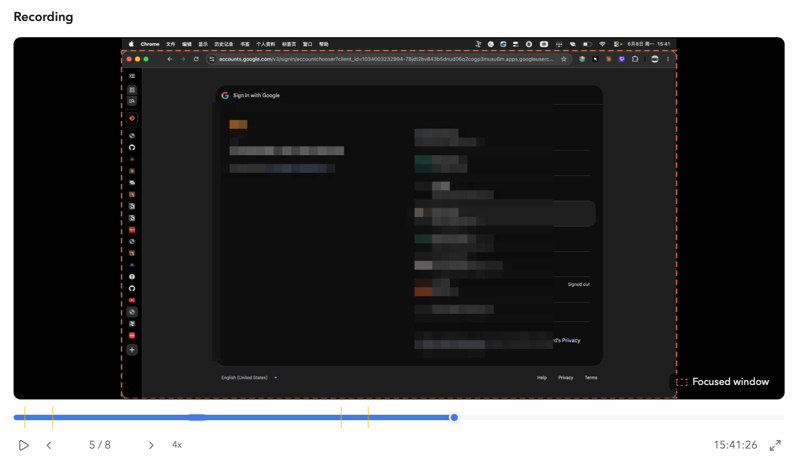
Protect whole app windows
Known password managers and keychain apps are protected automatically. Login screens and account choosers are handled the same way. User-added protected apps can be masked at the window level too.
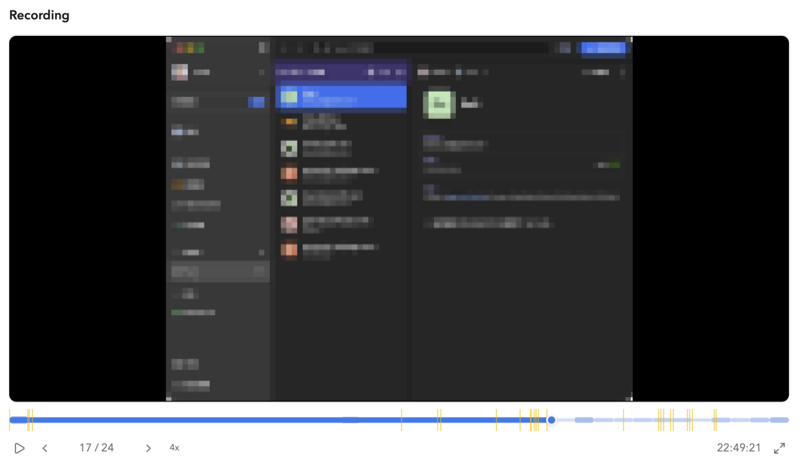
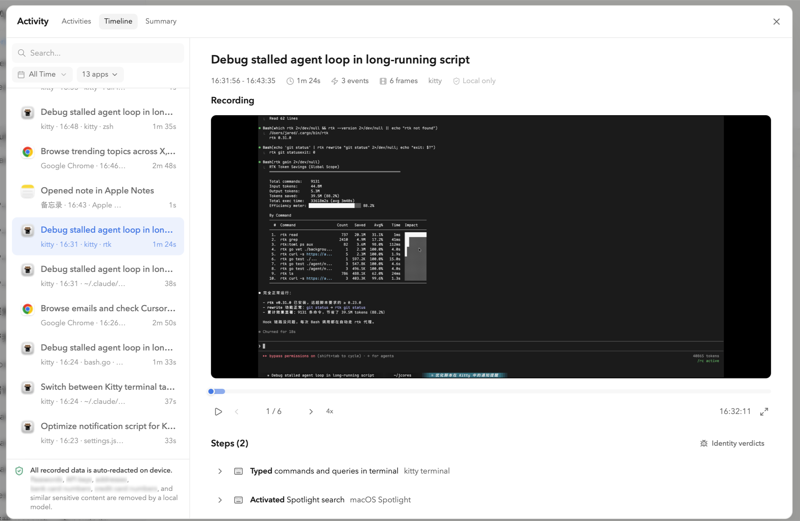
See what Yansu sees
Recorded sessions show exactly what Yansu captured. You can review observations, browse by app, and verify that sensitive details were handled correctly.
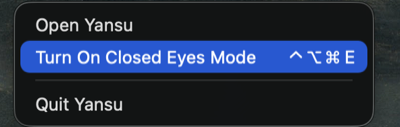
Pause recording when needed
Closed Eyes Mode pauses activity capture and background listening for moments you do not want Yansu to observe. Toggle it from the menu bar or with a keyboard shortcut.
Yansu protects the sensitive detail, not the shape of your work.
Protection is intentionally targeted at details that can identify, authenticate, or expose someone.
Credentials & tokens
Passwords, API keys, private keys, access/auth tokens, refresh/reset tokens, session IDs, and OTPs.
Payment details
Credit card numbers, CVVs, CVCs, and labeled card security codes.
Contact & addresses
Email addresses, phone numbers, street addresses, and postal address details.
Private identifiers
Account, policy, claim, contract, government, device, and vehicle identifiers when clearly labeled.
Private links
Signed URLs, reset links, cloud share links, and URLs with high-confidence auth tokens or signatures.
Different methods, same privacy checks.
Yansu chooses the redaction method based on where the data comes from, then evaluates the output against the same privacy checks.
The latest evaluation focuses on the sensitive details users most expect Yansu to protect.
Passwords, API keys, OTPs, CVVs, and other breach-class secrets were removed in the latest evaluation.
Contact details, addresses, account IDs, and private links were removed in the latest evaluation.
Privacy protection is built into how Yansu remembers.
Yansu can learn how you work without treating every visible detail as something that should be saved.